Immich - Local Photo Cloud
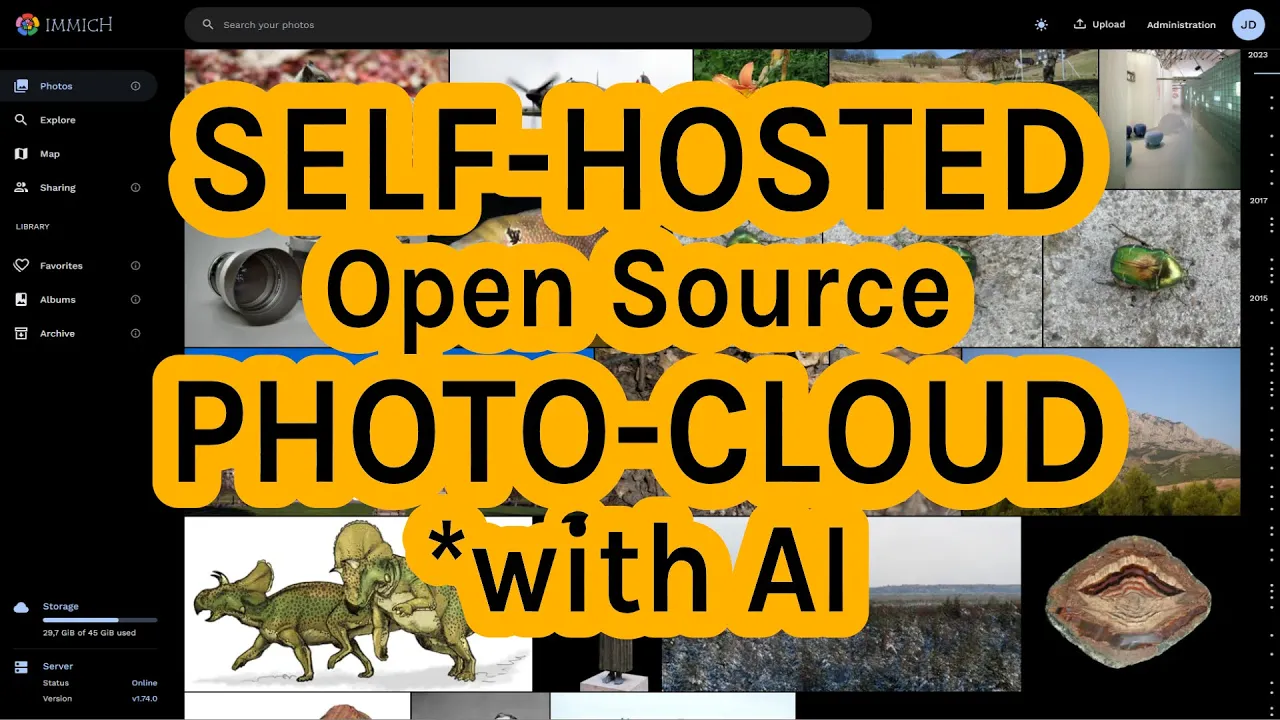
Immich is an open-source alternative to Google Photos and iCloud. It allows you to securely store your photos and videos on your own server and access them from anywhere.
Installation
Add the following template to your docker-compose.yml and then run ei23 dc.
Environment File Required
Create the file ei23-docker/env/immich.env before starting.
Create Environment File
Create /home/[user]/ei23-docker/env/immich.env:
# You can change the location of the upload folder
UPLOAD_LOCATION=./volumes/immich/upload

# Paths
IMMICH_VERSION=release

# Database
DB_PASSWORD=YOUR_SECURE_PASSWORD
DB_USERNAME=postgres
DB_DATABASE_NAME=immich

# Redis (do not change)
REDIS_HOSTNAME=immich_redis

# Log Level (optional)
LOG_LEVEL=verbose
Template
  immich-server:
    container_name: immich_server
    image: ghcr.io/immich-app/immich-server:${IMMICH_VERSION:-release}
    command: [ "start.sh", "immich" ]
    volumes:
      - ${UPLOAD_LOCATION}:/usr/src/app/upload
    env_file:
      - ./env/immich.env
    ports:
      - 2283:3001
    depends_on:
      - redis
      - database
    restart: always

  immich-microservices:
    container_name: immich_microservices
    image: ghcr.io/immich-app/immich-server:${IMMICH_VERSION:-release}
    command: [ "start.sh", "microservices" ]
    volumes:
      - ${UPLOAD_LOCATION}:/usr/src/app/upload
    env_file:
      - ./env/immich.env
    depends_on:
      - redis
      - database
    restart: always

  immich-machine-learning:
    container_name: immich_machine_learning
    image: ghcr.io/immich-app/immich-machine-learning:${IMMICH_VERSION:-release}
    volumes:
      - ./volumes/immich/model-cache:/cache
    env_file:
      - ./env/immich.env
    restart: always

  redis:
    container_name: immich_redis
    image: redis:6.2-alpine
    restart: always

  database:
    container_name: immich_postgres
    image: tensorchord/pgvecto-rs:pg14-v0.2.0
    env_file:
      - ./env/immich.env
    environment:
      POSTGRES_PASSWORD: ${DB_PASSWORD}
      POSTGRES_USER: ${DB_USERNAME}
      POSTGRES_DB: ${DB_DATABASE_NAME}
      PG_DATA: /var/lib/postgresql/data
    volumes:
      - ./volumes/immich/pgdata:/var/lib/postgresql/data
    restart: always
Features
- Automatic Upload - Automatically upload photos from your phone
- Face Recognition - Automatically detect and group people
- Search - Search for objects, locations, people
- Albums - Shared albums with family/friends
- Map - View photos on a map
- Timeline - Chronological overview
- Shared Libraries - Share with others
- RAW Support - Process RAW images as well
Mobile Apps
Install the Immich app on your smartphone:
Configure the App
- Open the app
- Enter the server URL:
http://[IP]:2283 - Sign in with your account
- Enable Auto-Upload for desired albums
First Start
- After starting, you can access Immich at
http://[IP]:2283 - Create an admin account
- Set up the mobile app
- Start the first upload
Backup & Restore
Important
Regular backups are essential! Photos are irreplaceable.
# Create backup
cd ~/ei23-docker/
docker compose exec immich_postgres pg_dump -U postgres immich > immich_db_backup.sql
sudo tar -czf immich_upload_backup.tar.gz volumes/immich/upload/
Hardware Recommendations
Immich benefits greatly from powerful hardware:
| Component | Minimum | Recommended |
|---|---|---|
| RAM | 4GB | 8GB+ |
| CPU | 2 cores | 4+ cores |
| Storage | SSD | NVMe SSD |
| GPU | - | For ML acceleration |
Mini-PC Recommended
For Immich, a mini-PC with Intel i3/i5 and 8GB+ RAM is recommended. See Hardware Recommendations.
Notes
- Data is stored in
./volumes/immich/ - Photos are stored in the
uploadfolder - Machine learning for face recognition requires a lot of RAM
- For large libraries: Be patient during the first scan
- Immich is still in active development - check for updates regularly